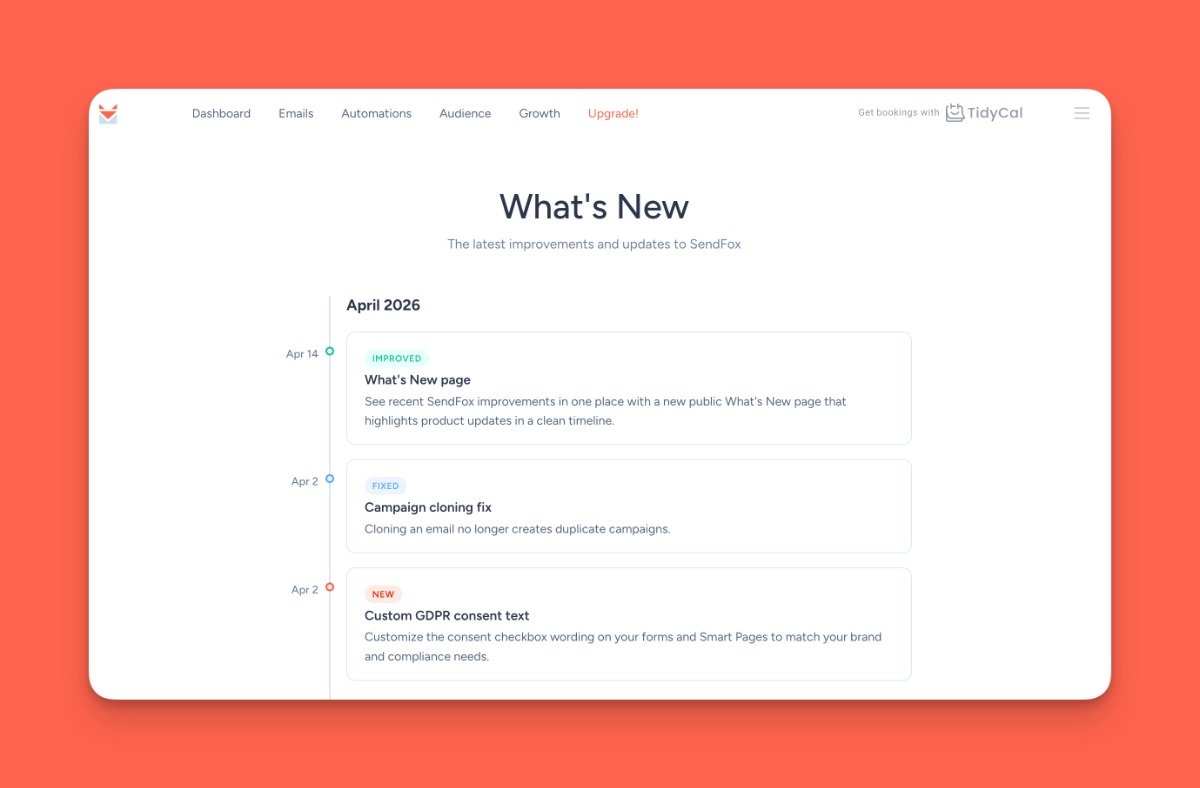
SendFox Updates: New Features & Improvements
Since the May update, three of the biggest features SendFox has shipped in a while just went live — AI-written subject lines, A/B testing inside your automations, and custom domains for Smart Pages. Here's a look.
It's Sumo Day 🌮
Before we share the good news on updates, AppSumo's biggest sale of the season is on right now.
Through Thursday, June 11 (noon CT), it's 10% off sitewide — 19% for AppSumo Plus members — across hundreds of lifetime software deals (including the SendFox Lifetime deal).
If you've been eyeing a new tool, this is the week.
Shop Sumo Day on AppSumo →
AI Subject Lines ✨
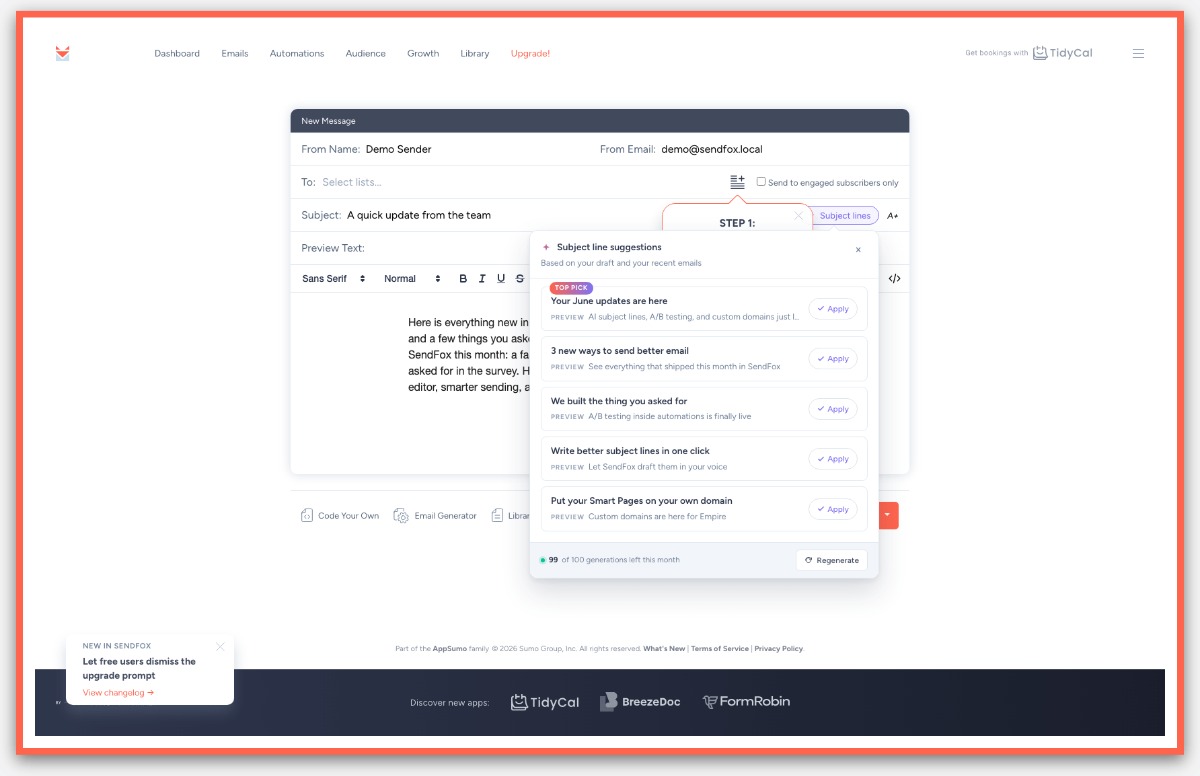
Out of subject-line ideas? SendFox can write five for you — in your voice. Write your email, click the new "✨ Subject lines" button in the subject row, and SendFox reads your draft (plus your recent sent campaigns, so the tone sounds like you) and hands back five subject + preview-text pairs. Click any one to drop it straight into your campaign.
How it works:
- Write at least a paragraph or two of your email first — the more context, the better the suggestions
- Click "✨ Subject lines" next to the subject field
- Get five subject + preview text pairs, each one click-to-apply
- Not feeling them? Generate a fresh set
Available now on Empire and Pro plans.
Open the campaign editor →
A/B Testing for Automation Emails 🧪
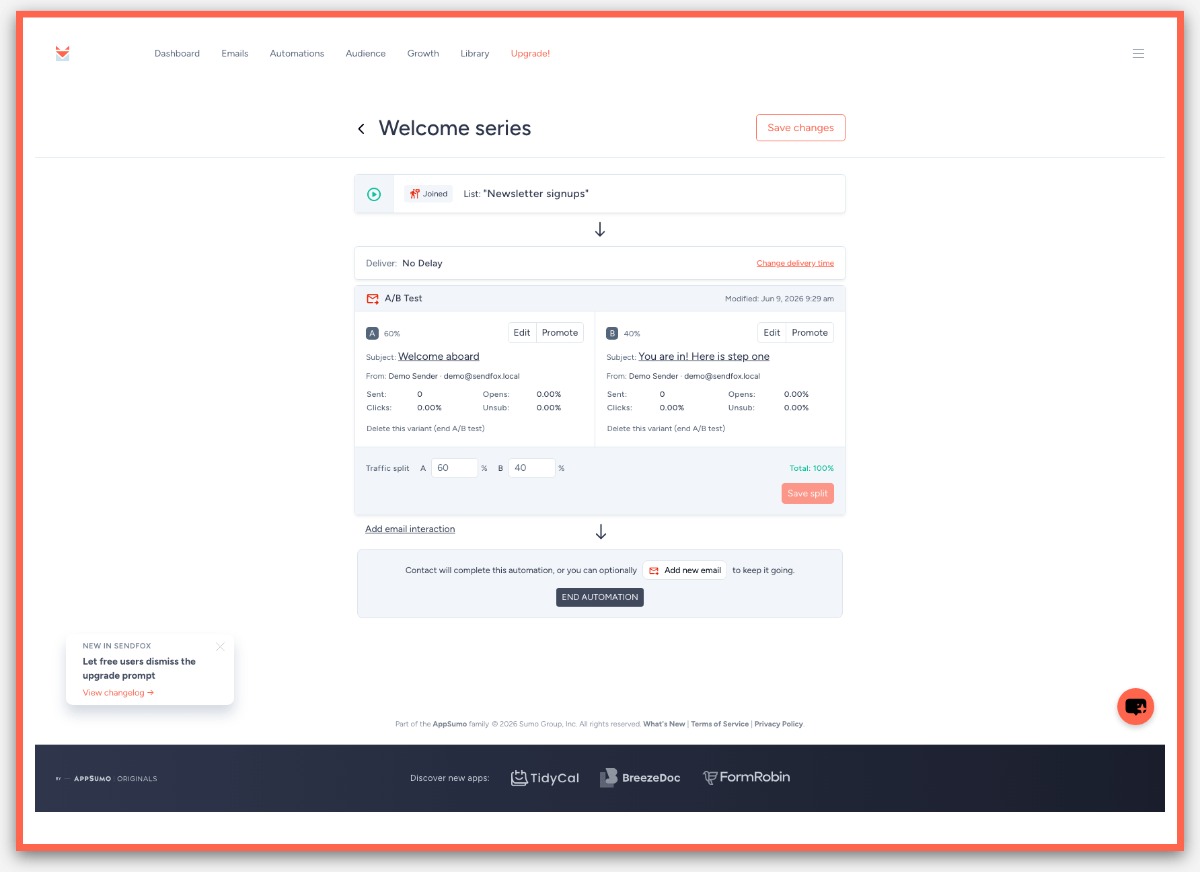
Now you can split-test the emails inside your automations, not just one-off campaigns. Turn any automation email step into a two-variant A/B test, set how much traffic each version gets, and SendFox routes new contacts between them automatically. Open, click, and unsubscribe rates show up per variant right on the step.
How it works:
- Open an automation and pick an email step
- Convert it to an A/B test and write your second variant
- Set the traffic split between the two versions
- Watch per-variant stats roll in, then hit Promote to send everyone the winner
Available now on Empire and Pro plans.
Build an automation →
Smart Pages: Custom Domains and More 🌐
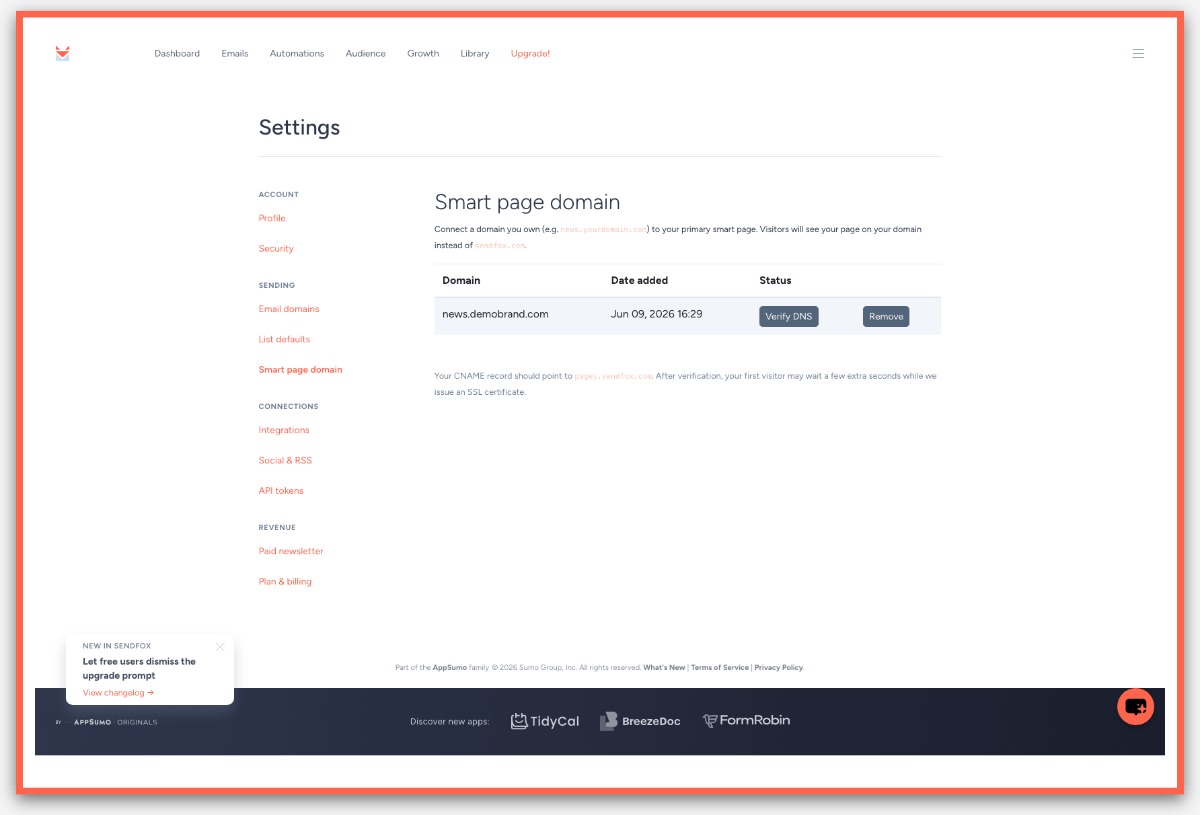
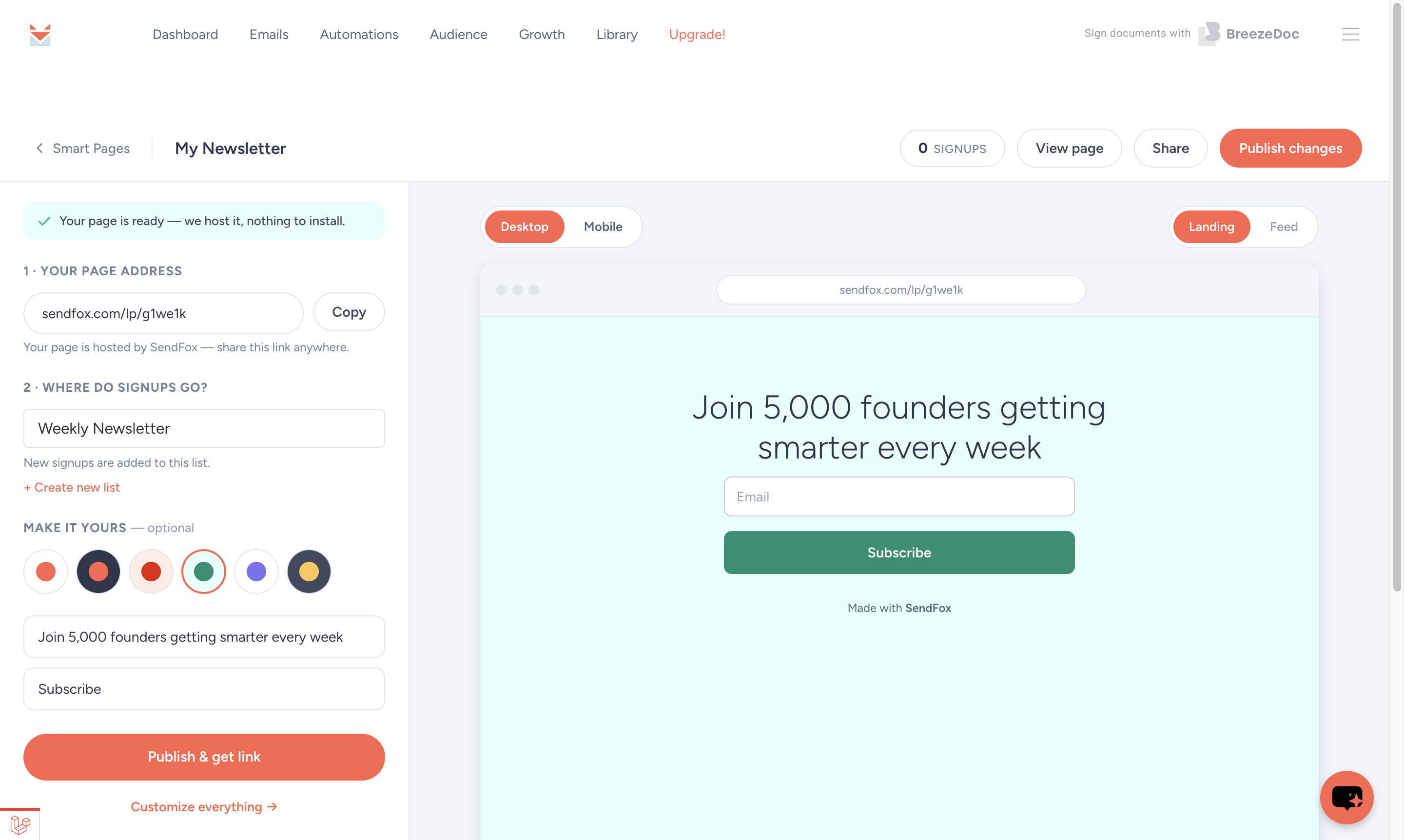
Your Smart Pages can now live on your own domain — plus some editor upgrades for everyone. Connect a domain you own to your primary Smart Page so the page you share matches your brand instead of a sendfox URL. Add your domain in settings, point one DNS record, and SendFox verifies it for you.
How it works:
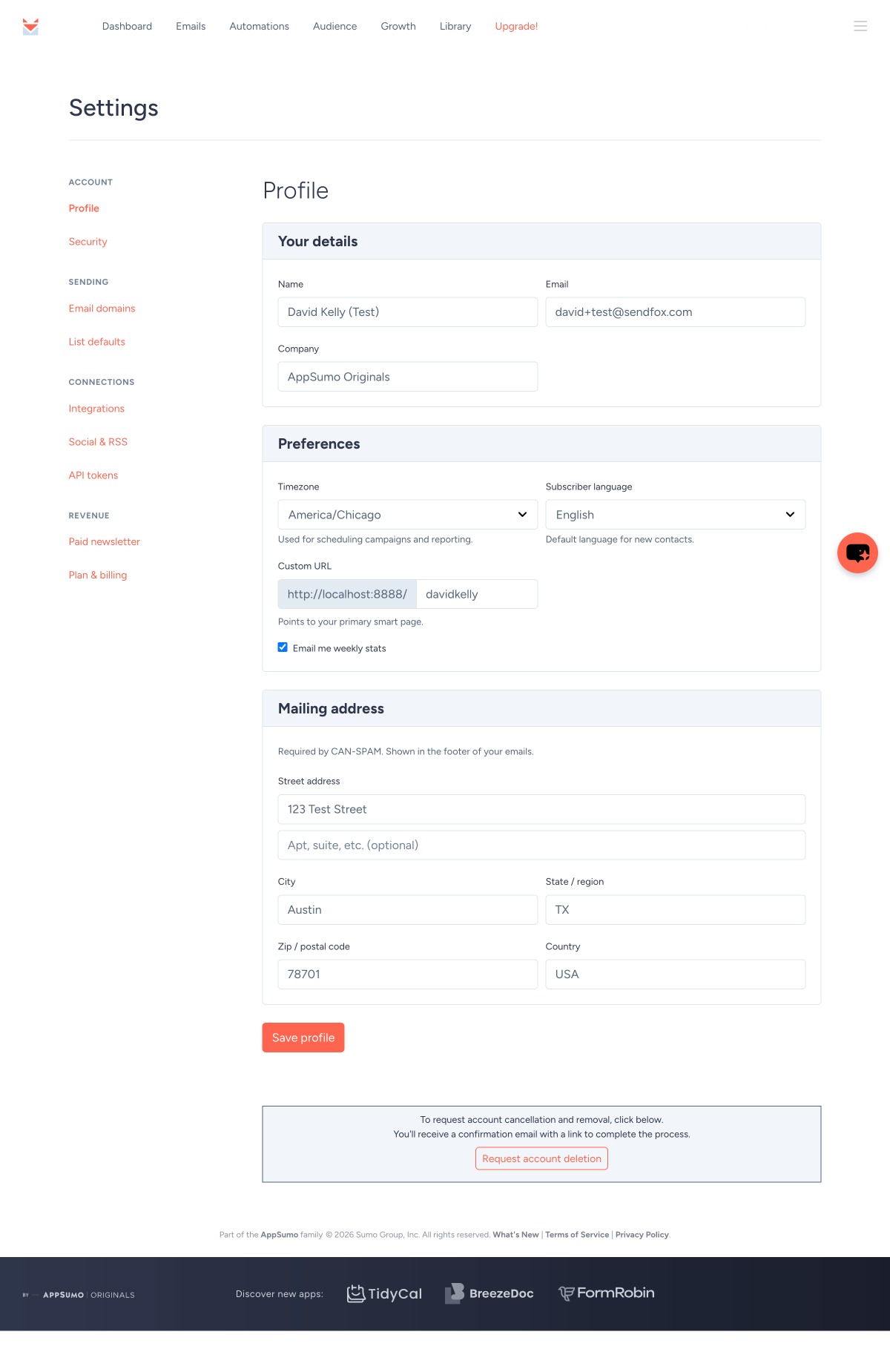
- Go to Settings → Smart Page Domain
- Add the domain you want to use
- Add the CNAME record SendFox gives you at your DNS provider
- SendFox validates it and starts serving your page on your domain
For everyone else: Smart Pages now have a dedicated background color setting separate from your theme accent, and the editor toolbar is fixed so the formatting tools, HTML toggle, and button builder all work as expected.
Custom domains are on Empire and Pro plans. The new background color and editor fixes are live for everyone.
Edit your Smart Page →
Other Updates
- Cleaner campaign editor — fixed a bug that could show duplicate HTML editors when you were composing a campaign
- One-click DNS records — copy your sender-domain DNS values with a single click, and a SendGrid edge-case crash on that page is fixed
- Subscriber referrals fixed — the Delete and Add Prize buttons work again, and duplicate rows after navigating no longer appear
- Dismissible upgrade prompt — free users can now close the upgrade banner instead of having it stick around
- Domain settings no longer error out — verifying a sender domain won't fail if SendGrid has dropped the underlying record
- More reliable sending — campaign send batches now retry automatically through transient database lock timeouts
- Faster open and click tracking — campaign engagement records through a background queue, keeping the app responsive under load
- Performance improvements — lighter processing on campaign counter updates and an upgrade to React 17 under the hood
If any of the above doesn't work the way you expect — or you want to tell us what should ship next — hit reply. We read every one.
❤️ & 🌮
David and the SendFox team
You're receiving this email because you have a SendFox account. If you have any questions or need any help, please reply to this email.
| Sumo Group, Inc. 1305 E. 6th Street Unit 3 Austin, TX 78702 USA |
| Unsubscribe |
|
 |
|