SendFox Updates: New Features & Improvements
Here's what's new in SendFox recently.
Bulk Actions on Contact Lists 🎯
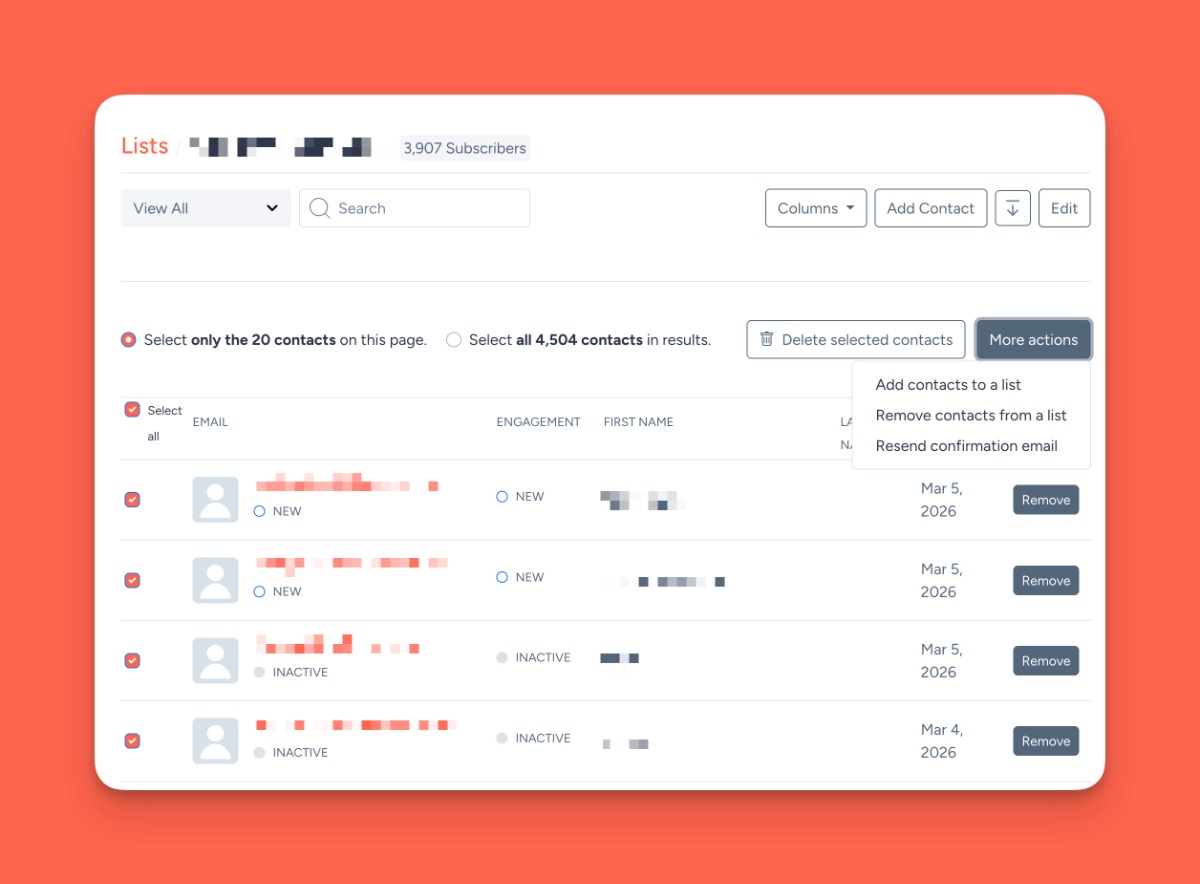
You can now select multiple contacts within a list and take action on them in bulk. No more editing contacts one at a time.
What you can do:
- Select individual contacts or use "Select All" to target every contact in the list
- Delete contacts in bulk
- Add selected contacts to another list
- Remove selected contacts from the current list
The "Select All" option is scoped to the list you're viewing, so you won't accidentally affect contacts in other lists. Bulk actions are available on all standard lists (excluded from paid newsletter lists to prevent accidental removal of paying subscribers).
Available now for all users.
Manage your lists →
Expanded API for AI Agents and Integrations 🤓
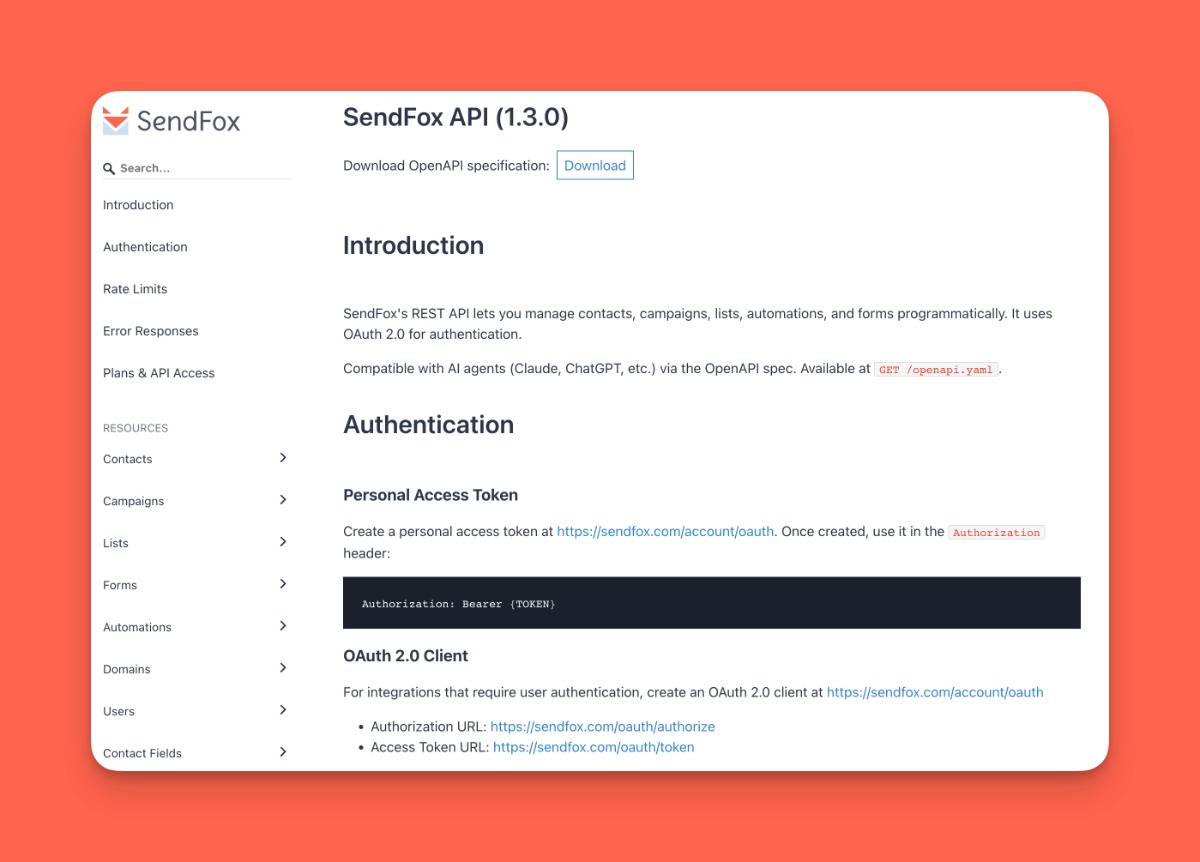
SendFox's API just got a major upgrade. If you use AI agents, automation tools, or build custom integrations, you now have full control over your SendFox account via the API.
New API capabilities:
- Campaigns: Create, update, send, and delete campaigns via API
- Automations: View and manage your automation workflows
- Contacts: Update contact details, custom fields, and list membership; batch create/update; delete contacts
- Forms: Create, update, and delete opt-in forms
- Domains: Add and verify sender domains
- Stats: Pull campaign performance metrics (opens, clicks, bounces)
The API is documented with an OpenAPI spec at sendfox.com/openapi.yaml, making it easy for AI agents to discover and use your SendFox account. All existing safety measures (approval workflows, spam monitoring, contact limits) apply automatically to API-created campaigns.
Available now for all paid plan customers.
View API docs →
Contact Management Improvements 👪
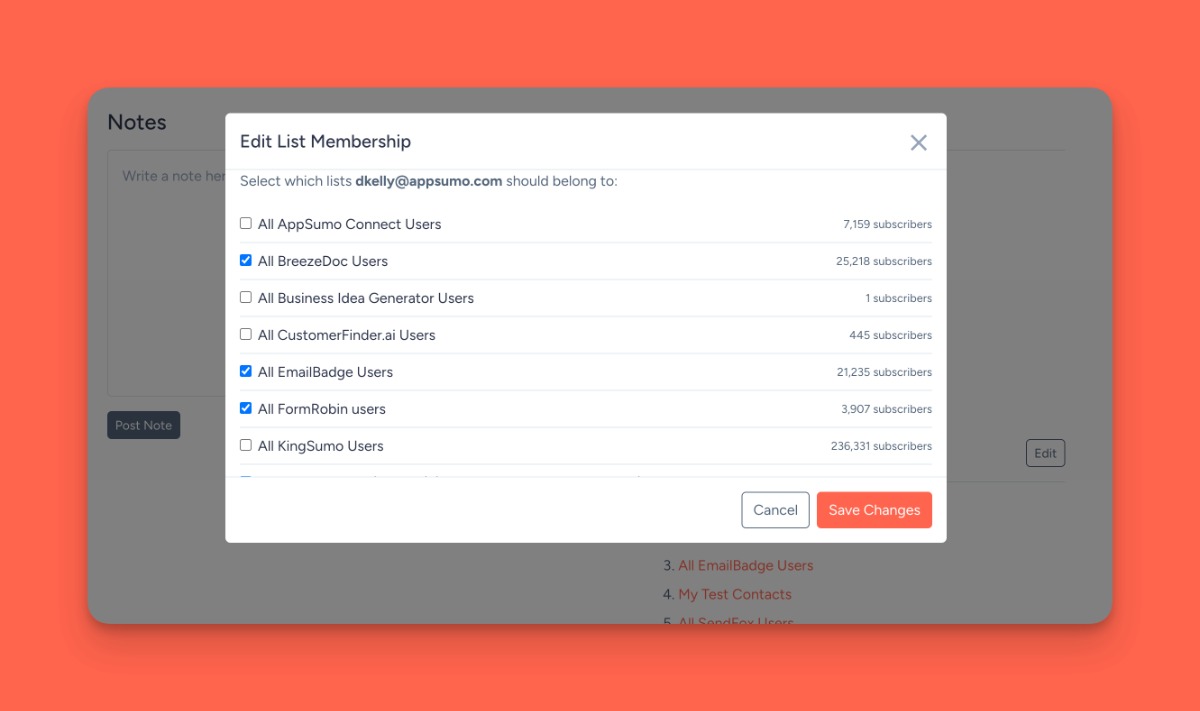
Edit lists from contact profiles: There's now an "Edit" button next to the Lists section on any contact's profile page. Click it to add or remove the contact from any of your lists without leaving the page.
Available now for all users.
View your contacts →
Other Updates
- Redesigned confirmation pages - Subscription confirmation pages now feature a cleaner design with a single SendFox newsletter CTA instead of product ads. Higher-tier users see no branding at all
- Improved view-in-browser page - The "view in browser" page for campaigns has been updated with better styling and fixed template tag rendering
- Device verification toggle - You can now disable device verification if you prefer not to require email confirmation when logging in from new devices in the Trusted Devices area of your settings
- Transactional email delivery improvements - Transactional emails (like confirmation messages) now bypass suppression lists to ensure they always reach your contacts
- Campaign event tracking for API - Campaigns created via the API now properly trigger save events, ensuring automations and integrations work correctly
- Spam and abuse prevention improvements
- Performance and reliability improvements
- Bug fixes - Fixed bounce code display issues and other minor UI fixes
Lots more coming soon. Stay tuned.
❤️ & 🌮
David and the SendFox team
You're receiving this email because you have a SendFox account. If you have any questions or need any help, please reply to this email.
| Sumo Group, Inc. 1305 E. 6th Street Unit 3 Austin, TX 78702 USA | | Unsubscribe | |  | |